

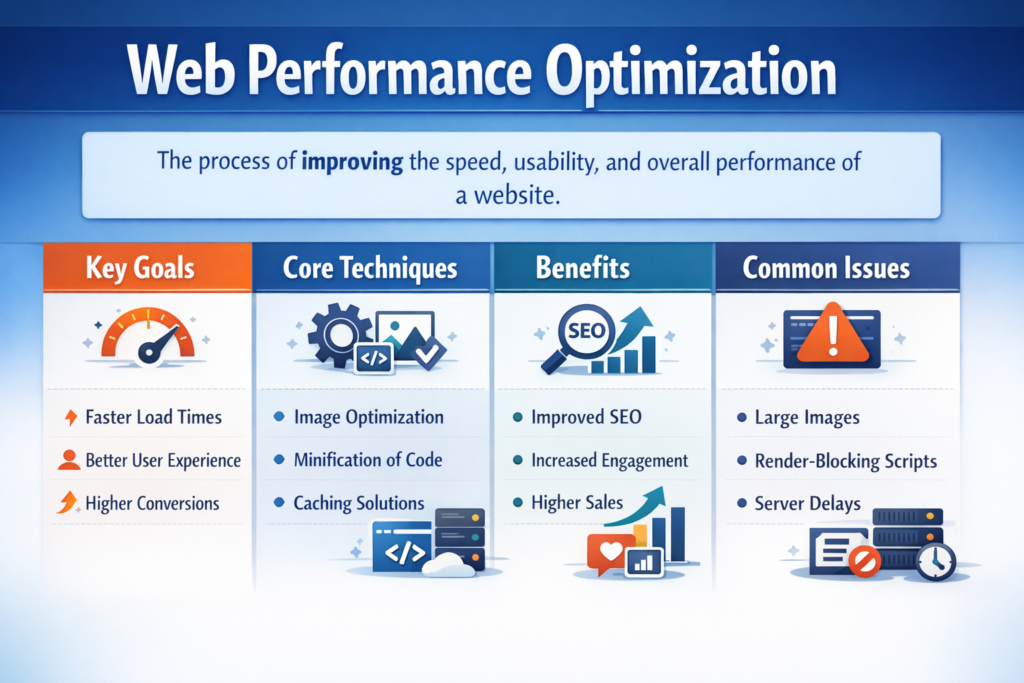
Web Performance Optimization
Tech Terms Daily – Web Performance Optimization
Category — WEB DESIGN & DEVELOPMENT
By the WebSmarter.com Tech Tips Talk TV editorial team
1 | Why Today’s Word Matters
Forty percent of users abandon a site that takes more than 3 seconds to load, and Google’s Core Web Vitals update made speed a top-three ranking factor. In 2025, a one-second delay still slashes mobile conversions –20 %–30 % and inflates customer-acquisition cost as paid-media dollars drive traffic to sluggish pages. Conversely, brands that invest in Web Performance Optimization (WPO) gain:
- +32 % revenue per session after dropping LCP from 4 s → 2 s
- –22 % bounce rate and +18 % organic traffic through better CWV scores
- 50 % lower hosting costs via smarter asset delivery and edge caching
Ignore WPO and you’re effectively taxing every marketing channel while handing impatient visitors to faster, leaner competitors.
2 | Definition in 30 Seconds
Web Performance Optimization (WPO) is the practice of measuring, analyzing, and accelerating how quickly and smoothly a web experience renders and responds for real users across devices, networks, and geographies. Core pillars include:
- Critical-Path Rendering – minimizing time to first pixel and Largest Contentful Paint (LCP)
- Resource Efficiency – shrinking, compressing, and lazy-loading assets
- Runtime Responsiveness – keeping Interaction to Next Paint (INP) low by optimizing JavaScript and main-thread tasks
- Edge & Caching Strategy – serving pre-rendered HTML, images, and APIs from the closest node
- Continuous Monitoring – real-user metrics (RUM) and synthetic benchmarks in CI/CD
Think of WPO as your website’s Formula-1 pit crew—tuning every component so the digital car speeds past the competition without a hiccup.
3 | Core Web Vitals & Beyond
| Metric (2025) | Target (Good) | Why It Matters |
| LCP (Largest Contentful Paint) | ≤ 2.5 s | Perceived load speed & SEO ranking |
| INP (Interaction to Next Paint) | ≤ 200 ms | Responsiveness to taps, clicks, keypresses |
| CLS (Cumulative Layout Shift) | ≤ 0.1 | Visual stability—even on ad-heavy pages |
| TTI (Time to Interactive) | ≤ 3 s | Overall usability on JS-rich sites |
| TBT (Total Blocking Time) | ≤ 200 ms | Proxy for INP during lab testing |
4 | The WPO Tech Stack
| Layer | Tools & Techniques (2025) | Highlight |
| Build | Vite / Turbopack, Webpack Module Federation | Fast HMR, granular code-splitting |
| Code | React Server Components, Astro Islands, Qwik Resumability | Ships HTML first, defers JS |
| Assets | AVIF/WebP images, image CDNs (ImageKit, Cloudinary) | 30–40 % smaller payloads |
| Delivery | Edge networks (Vercel, Cloudflare Pages, Netlify) | Global latency <100 ms |
| Runtime | Web Workers, Partytown, Service Workers | Offload heavy JS from UI thread |
| Monitoring | SpeedCurve, Sentry RUM, Calibre | Real-user + synthetic dashboards |
5 | Five-Step Blueprint to Lightning-Fast Sites
1. Measure Like Your Users
- Lab (Lighthouse-CI in GitHub Actions) catches regressions before merge.
- Field (Chrome User Experience Report, SpeedCurve RUM) reveals real-world pain by device, country, and network.
2. Optimize Critical Rendering Path
- Server-side or static render HTML.
- Inline critical CSS; defer non-critical with media=”print” swap.
- Set fetchpriority=”high” on the LCP image/hero.
3. Slim, Split, and Defer JavaScript
- Tree-shake unused code.
- Use react-lazy / dynamic import() for route-level chunks.
- Break long tasks > 50 ms; move analytics tags to Web Workers (Partytown).
4. Adopt Edge-First Delivery
- Deploy pre-rendered pages to edge nodes.
- Stale-while-revalidate caching for APIs.
- Image resizing & format negotiation at CDN edge.
5. Automate Performance Budgets
Fail builds if: bundle > 200 kB, LCP fallback image > 150 kB, or any route exceeds Core Web Vitals thresholds.
6 | Common Pitfalls & Quick Fixes
| Pitfall | Impact | Remedy |
| Render-blocking third-party scripts | LCP & INP inflation | Load async, move to Web Worker, or replace |
| Excessive DOM nodes | Slow layout & paint | Follow <1 500 nodes per page guideline |
| Heavy client-side routing | Blank “white page” flash | Use streaming SSR or partial hydration |
| Unoptimized fonts | FOIT/FOUT, layout shift | Preload, subset, use font-display: swap |
| Chat widgets loading at startup | Main-thread blocks | Lazy-load after user interaction or 5-s idle |
7 | Five Advanced Tactics for 2025
- Speculation Rules API
Browser-native prefetch hints predict next navigation and fetch code in parallel—TOTAL blocking reduction 10–15 %. - Priority Hints v2
Fine-grained control (importance=”low”) for non-critical lazy images prevents LCP starvation. - Compute-Edge Personalization
Use Edge Functions to inject geo-specific content into statically cached HTML without origin calls—zero extra RTT. - Client-Hint Driven Image Parks
Combine width, dpr, and viewport-width hints to auto-select exact-fit images; saves 20–40 % data on mobile. - AI-Powered Bundle Analyzer
LLM reads build output, recommends code splitting, library swaps, and flags unused polyfills; dev productivity up 30 %.
8 | Recommended Performance Budgets
| Page Type | HTML + CSS + JS (gzipped) | Images (initial viewport) | LCP Target |
| Marketing Landing | ≤ 200 kB | ≤ 120 kB | 1.8 s |
| Blog Article | ≤ 180 kB | ≤ 150 kB | 2.0 s |
| E-commerce PDP | ≤ 250 kB | ≤ 250 kB | 2.2 s |
| SaaS Dashboard | ≤ 300 kB (app shell) | — | 2.0 s INP |
9 | How WebSmarter.com Turbo-Charges Your Performance
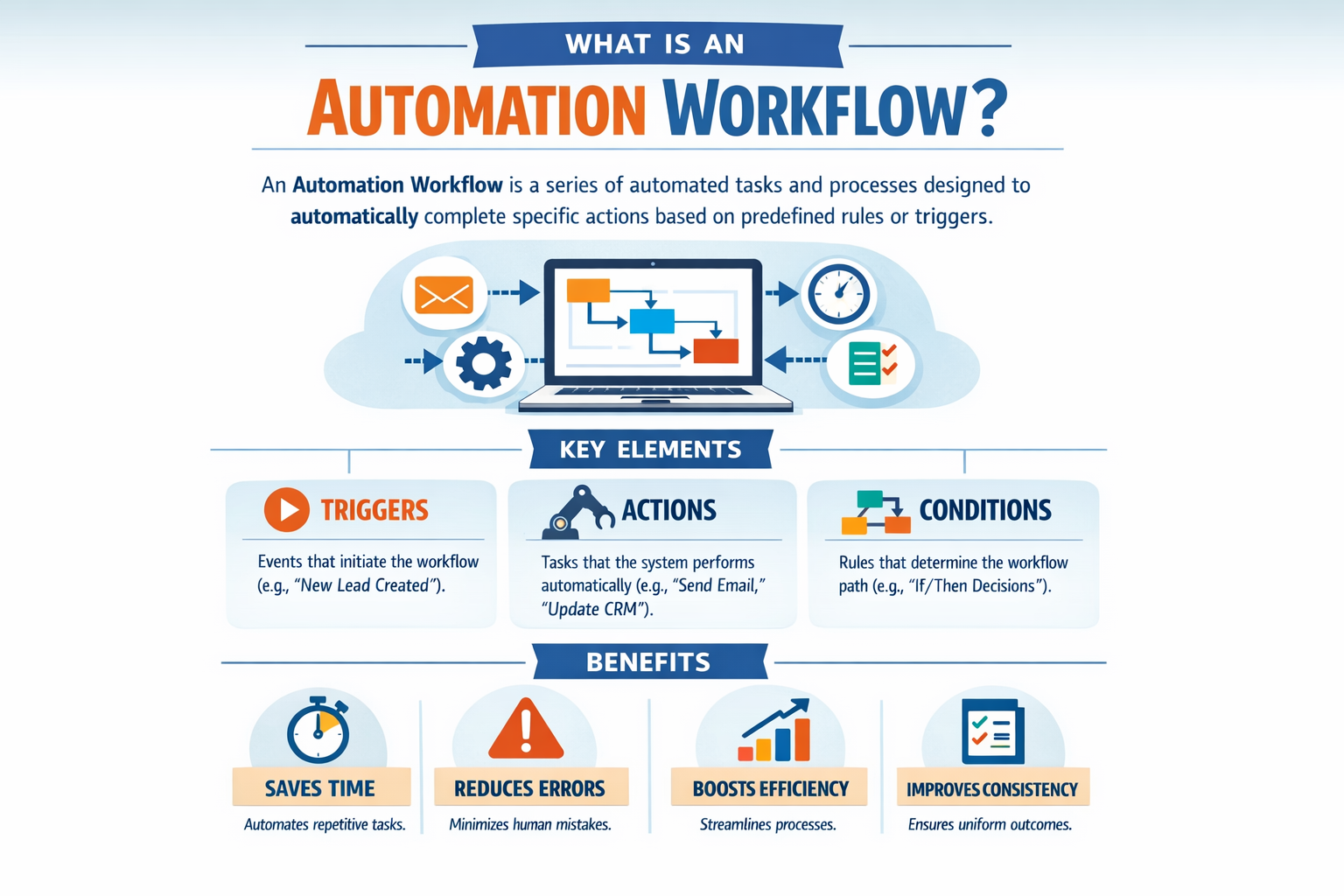
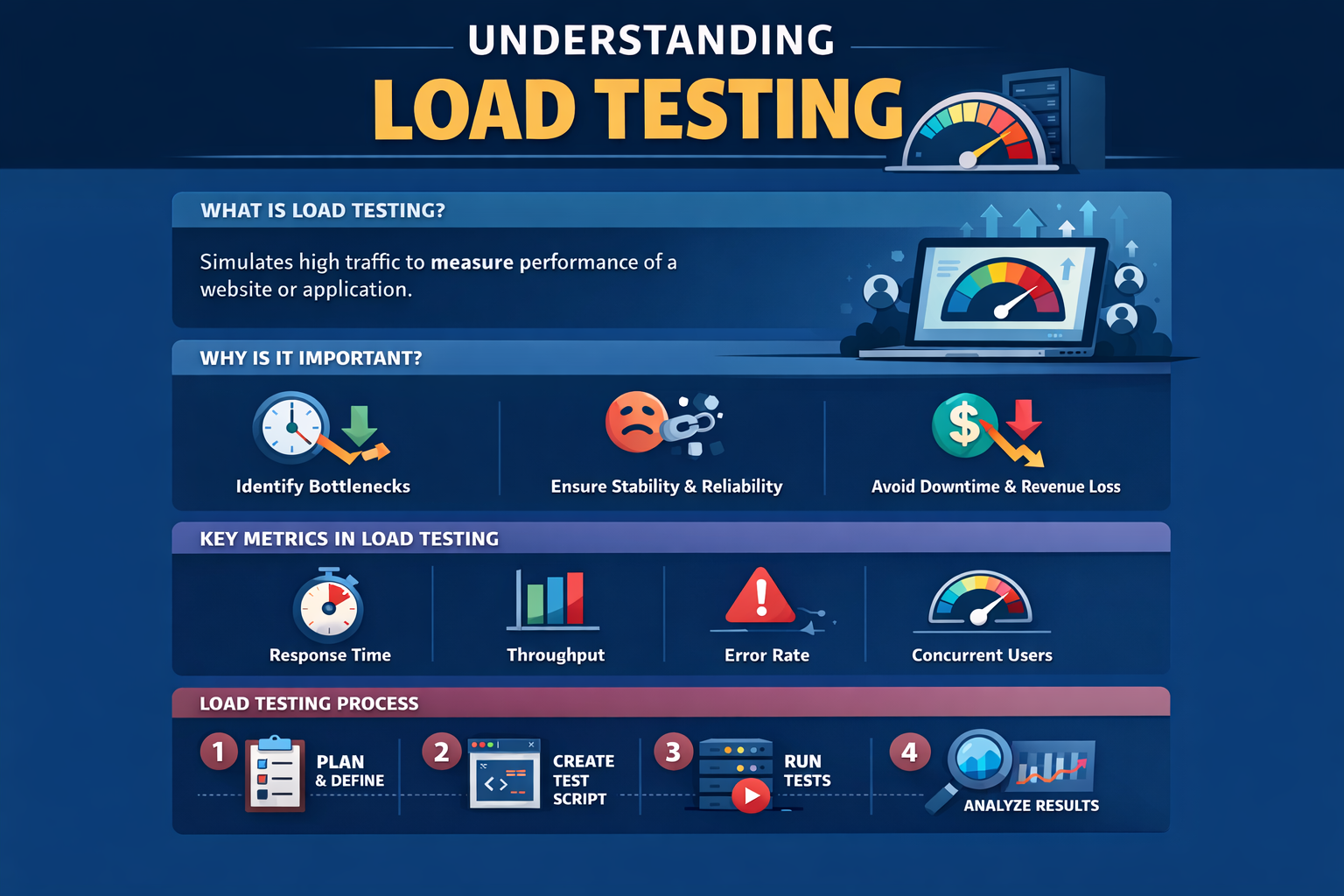
- Perf Audit in 48 h — RUM + Lighthouse-CI scan spots LCP, INP, CLS offenders and third-party bloat.
- Optimization Sprint — Engineers implement critical-CSS, code-split, image CDN, and edge functions; clients typically see –45 % load time in four weeks.
- Budget Automation — Custom GitHub Action enforces bundle-size, CWV thresholds; no regressions slip to production.
- Continuous Monitoring Dashboard — Looker tiles pull SpeedCurve & BigQuery data; marketing, dev, and execs see live CWV at a glance.
- Quarterly Performance MOT — Dependency patching, framework upgrades, and A/B perf tests keep you ahead of Google updates.
10 | Wrap-Up: Speed Is a Feature, Profit Is the Outcome
A stunning design means little if users bounce before they see it. Web Performance Optimization transforms pixels into profit by shrinking wait times, boosting search rank, and delivering inclusive, delightful experiences on any device. With WebSmarter’s audit-to-automation framework, performance stops being a once-a-year fire drill and becomes an always-on competitive edge.
Ready to shave seconds—and add dollars—to your bottom line?
🚀 Book a 20-minute discovery call and let WebSmarter’s performance engineers cut the fat, tune the pipeline, and push your Core Web Vitals into the green—before your next campaign goes live.
Join us tomorrow on Tech Terms Daily, where we decode another buzzword into a step-by-step growth blueprint—one term, one measurable win at a time.

You must be logged in to post a comment.